
Narrowing Google Analytics Data to Just One Website in GA4
June 10, 2026
Google Analytics 4 (GA4) is not an updated version of Google’s Universal Analytics. It’s completely new.
We have all UAMS sites under one Analytics Account/Property, so you will have to filter any report to only show the pages or sites you want. To do so, choose UAMS Consolidated – GA4 > Reports > Life cycle > Engagement > Pages and screens.
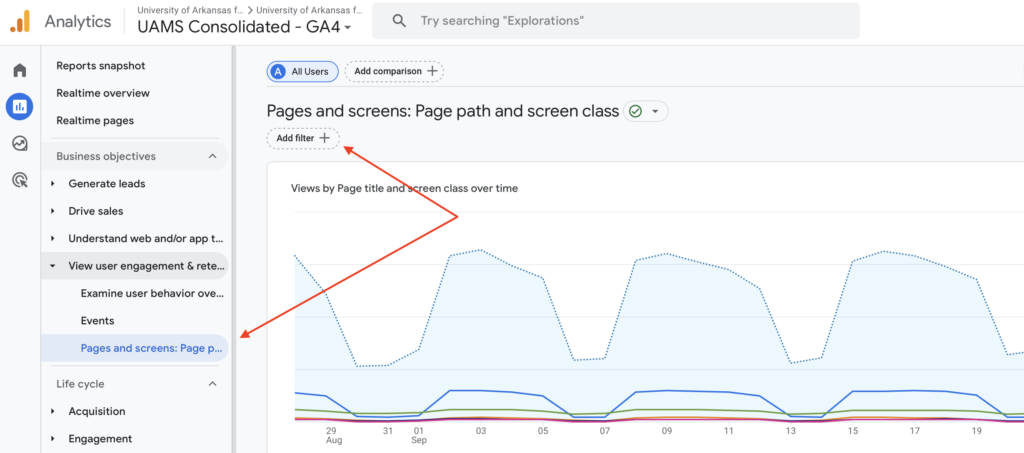
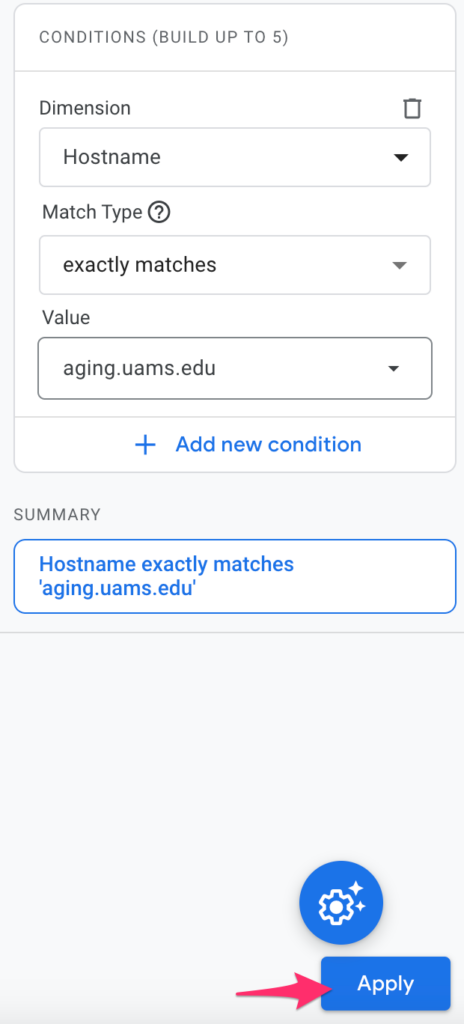
Add filter: Dimension = Hostname, Match type = exactly matches, Value = your root URL (i.e. aging.uams.edu)
For analytics on a specific page, change to Page path and screen class.
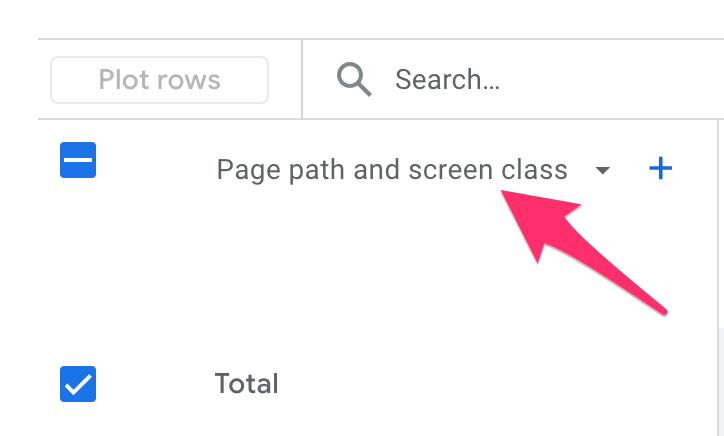
Under Search: Type the path to the page (i.e.,/outreach/o-p-a-l/)